
Social Login - Why You Should Implement It
Learn how to easily enable social login in your website or app to increase conversion rate and deliver smoother user experience.
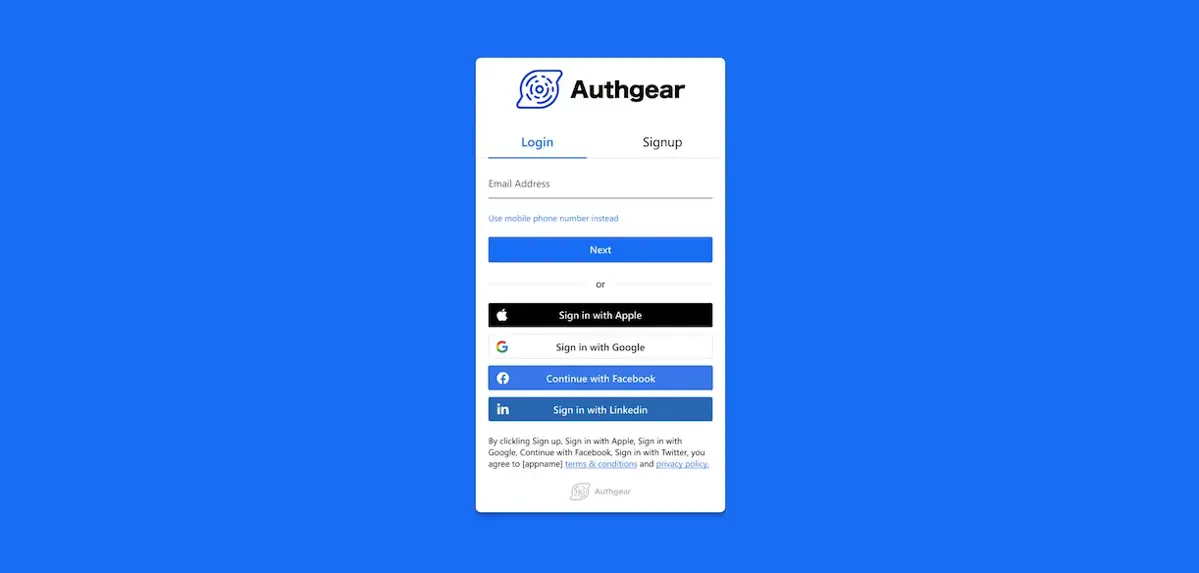
The internet has truly revolutionized how people interact and socialize with each other. It has made it easier than ever to access content, information, and services online. It’s no wonder that today, a staggering 5.16 billion people use the internet, many of whom do so daily.
If you frequently use the internet, you’re probably familiar with being asked to create an account for a service or website you want access to. It’s one of those requirements many people find annoying. In fact, 86 percent of internet users say they’re bothered when asked to create a new account when on a website. 24 percent of shoppers report abandoning e-commerce sites that asked for account registration before checkout. These figures are worrying, and they point to the need for a better way to authenticate users on websites. This is where social login comes in. In this blog, we tell you all you need to know about this authentication method and why you should implement it on your website.
What Is Social Login?

Social login is an authentication method where users can access a service or website using their existing credentials from social network accounts. Social login is also sometimes referred to as social sign-in or social authentication.
Today, we see social logins on websites and apps of all kinds. That’s because it benefits both the user and the service provider. For the user, social login is a convenient way to access a website or service without having to remember another username and password. For the service provider, social login reduces registration friction, increases conversion rates, and provides valuable and updated data about users.
How Does Social Login Work?
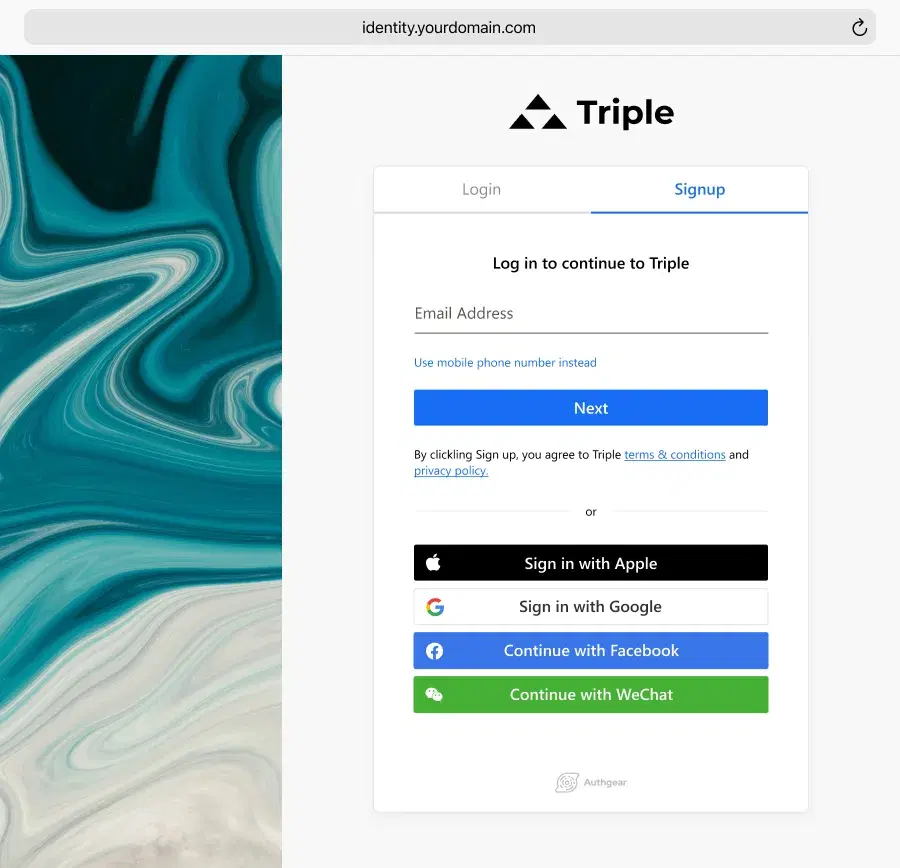
The social login process is quite straightforward. Here are the steps involved:
Step 1: The user is asked to create an account. They’re given the option of signing up with their credentials from a social networking platform like Facebook, Google, or Twitter.
Step 2: Once the user has selected the desired social network, that social network provider will receive a login request. The social network provider will then authenticate the user and send a response back to the website or service.
Step 3: If the authentication is successful, the user will be logged in and granted access to the desired content.
When a user attempts to log in with their social media account, the application will use OAuth 2.0 and OpenID Connect protocols to verify the user’s identity and grant them access to the application’s resources.
OAuth 2.0 is an authorization protocol that allows users to securely access resources from a third-party application. It is based on the concept of granting access tokens which can be used to access specific resources with specific permissions. OpenID Connect is an authentication layer that sits on top of OAuth 2.0 and provides additional security by verifying the identity of the user who is attempting to log in. This ensures that only authorized users can gain access and prevents malicious actors from accessing sensitive data or resources without permission.
Easily Enable Social Login with Authgear
Build your app not another login
How Can You Benefit from Social Logins?

While social authentication is designed primarily to make the login experience smoother for users, it also provides many benefits to businesses. Here’s what is in for you when you implement this authentication method.
You Get to Increase Registration and Boost Sales
When customers are given the option to use their existing social profile rather than filling out a long and tedious form, they’re more likely to complete the process and become registered users. In fact, 77 percent of users believe using social login is a great solution to authentication.
But it’s not just visitor registration that sees a boost as a result of social logins. Your sales improve too. Cart abandonment rates drop when checkout processes are easier.
It Becomes Easier to Get Verified Email Addresses
Social networks usually verify the email addresses of their users, making it easier for you to get verified customer data. By allowing customers to log in using their social profile, you can take advantage of this and automatically add user data such as the customer’s name, address, and an already verified email address. Having access to verified customer email also helps reduce the chances of spam and fraud on your website.
You Get Richer and More Updated Profiles
Most people include much more information on their social profiles than they typically would on a registration form. This gives businesses access to richer data about their customers, including interests, hobbies, location, and more. Social logins also make it easier for businesses to keep users’ profiles up to date as the user’s profile is automatically synced with the latest information from the social network. This information allows businesses to segment their customers better and tailor their campaigns accordingly.
You Gain Access to a Wider Audience
By allowing social authentication on your website, you can gain access to a much wider audience than before. As more and more people are using social networks worldwide, by integrating social logins into your website, you make it easier for these users to register on your site. This helps widen the potential customer base of your business and opens up new marketing opportunities. With social logins, you can easily tap into the potential of a larger audience to increase sales and profits.
You Enhance Security for Your Website or App
Using social logins also helps businesses secure their websites or apps from malicious actors. The reason is that these popular social login providers, such as Google, Facebook, Twitter, etc., have millions of users and will suffer horrible consequences in the event of data breach. Therefore, social login is certainly as secure as you think. All access requests are validated by the social network’s API before granting access to the desired content or service.
What Are the Risks Associated With Social Login
Though social logins offer multiple benefits to businesses, they also come with certain risks. Here are some of the potential risks associated with using this authentication method:
Privacy Issues
Social authentication requires sharing data between a client’s social network account and the website or application. This can create privacy concerns as some people may not want to share this information. In addition, if a social network’s privacy policy changes, it could impact how data is used and shared, which could cause problems for businesses that rely on social login.
Security Issues
As social login uses third-party authentication, it can introduce potential security risks. If a social network’s security is breached, the attacker could gain access to the user’s account and any other website or application that uses social login for authentication. In addition, if a user’s social media account is hacked, the attacker could use the information to gain access to other websites and applications.
Reap the Benefits of Social Login with Authgear!
Social logins are an effective way for businesses to obtain richer customer profiles, reduce stress on their support teams, and maximize user engagement. However, integrating different social logins with your website or app certainly takes some time and efforts. Let Authgear take care of the heavy lifting. Once you’ve integrated your application with Authgear, you can easily enable or disable popular social logins, such as Apple, Goolge, Facebook, LinkedIn, and more, with just a few clicks.
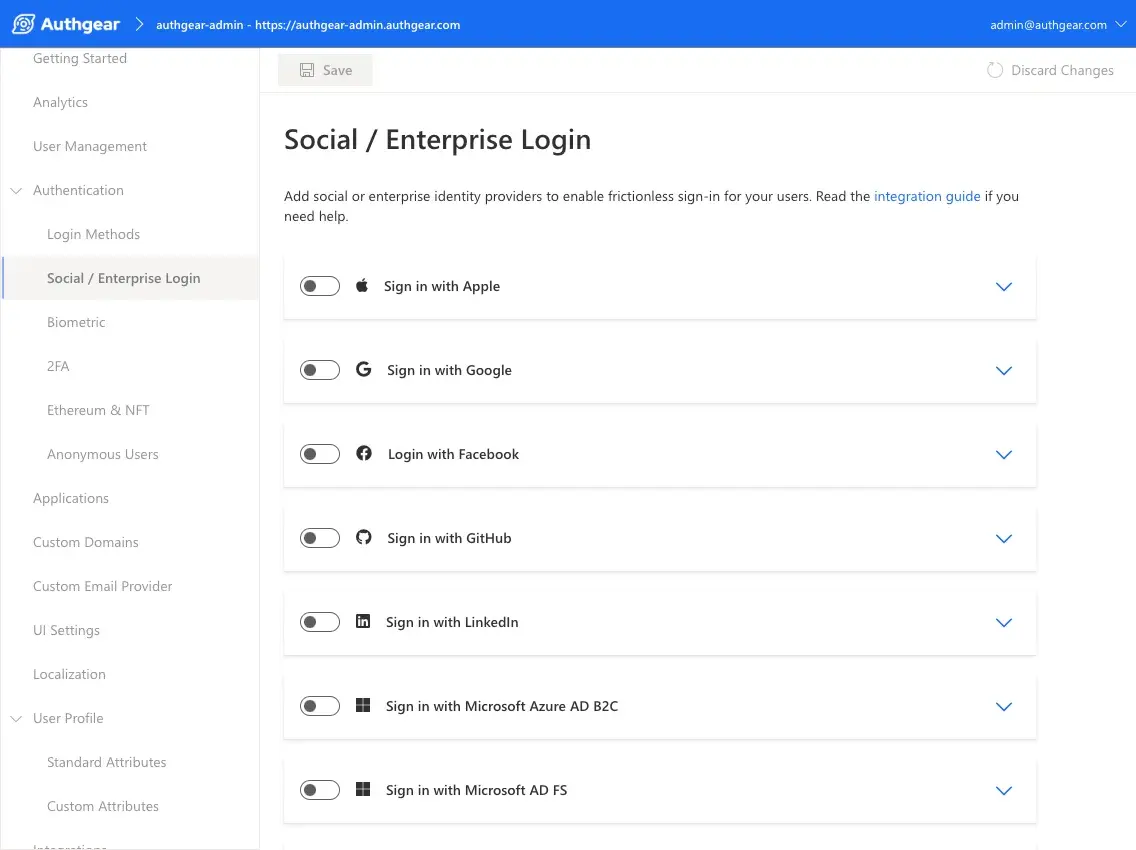
You can then ensure that your customers have a seamless experience when signing up or logging in and protect your business from malicious actors.
Contact us or start your free trial to see how you can provide better user experience and boost conversion rate with smoother and more secure authentication.