Engineering
Supabase Auth vs Authgear for Next.js: Which Should You Choose?
March 27, 2026
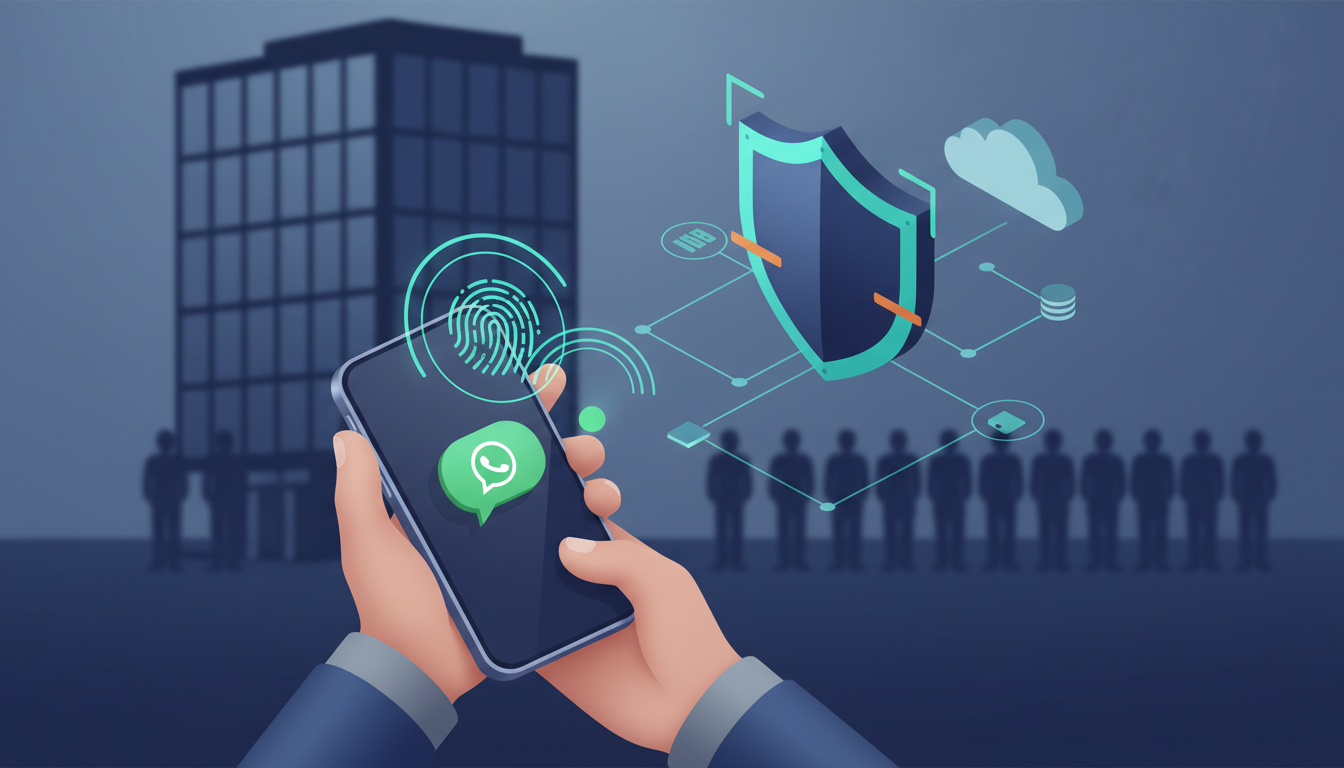
Enterprise teams with mobile-first workforces are increasingly rethinking Stytch as they look for more predictable pricing, better WhatsApp OTP delivery, and stronger biometric authentication. This guide compares leading Stytch alternatives built for phone-first staff, explains how WhatsApp OTP and passkeys work together, and provides a practical framework for evaluating, implementing, and migrating to a modern mobile-first authentication stack.


Enterprise security teams managing mobile-first workforces face a unique authentication challenge: traditional email-based login systems fail when staff primarily use mobile devices and rarely access desktop computers. As businesses scale their phone-first authentication strategies, many are re-evaluating their identity providers to find solutions that support modern channels like WhatsApp OTP alongside biometric authentication.
This comprehensive guide examines Stytch alternatives specifically designed for mobile-first authentication use cases. Whether you're experiencing pricing unpredictability, limited WhatsApp integration support, or insufficient support for biometric authentication, this analysis provides the evaluation framework, vendor comparisons, and migration strategies needed to make an informed decision.
We'll cover authentication providers that natively support WhatsApp Business API integration, WebAuthn/passkey flows, and mobile biometric authentication - critical capabilities for retail, healthcare, logistics, and hospitality operations managing thousands of mobile-first staff.
In this guide:
Several recent market moves have prompted teams to evaluate alternatives to Stytch. Post-acquisition changes commonly reported by teams include:
For mobile-first deployments you care most about predictable costs, channel flexibility (WhatsApp vs SMS vs email), and a vendor that treats mobile authentication UX as first-class. Authgear is positioned as a transparent, mobile-first provider with predictable pricing and direct enterprise support channels designed for large-scale staff deployments.
Key takeaway: When your users are phone-first and cost-sensitive, channel flexibility and vendor responsiveness matter as much as features.
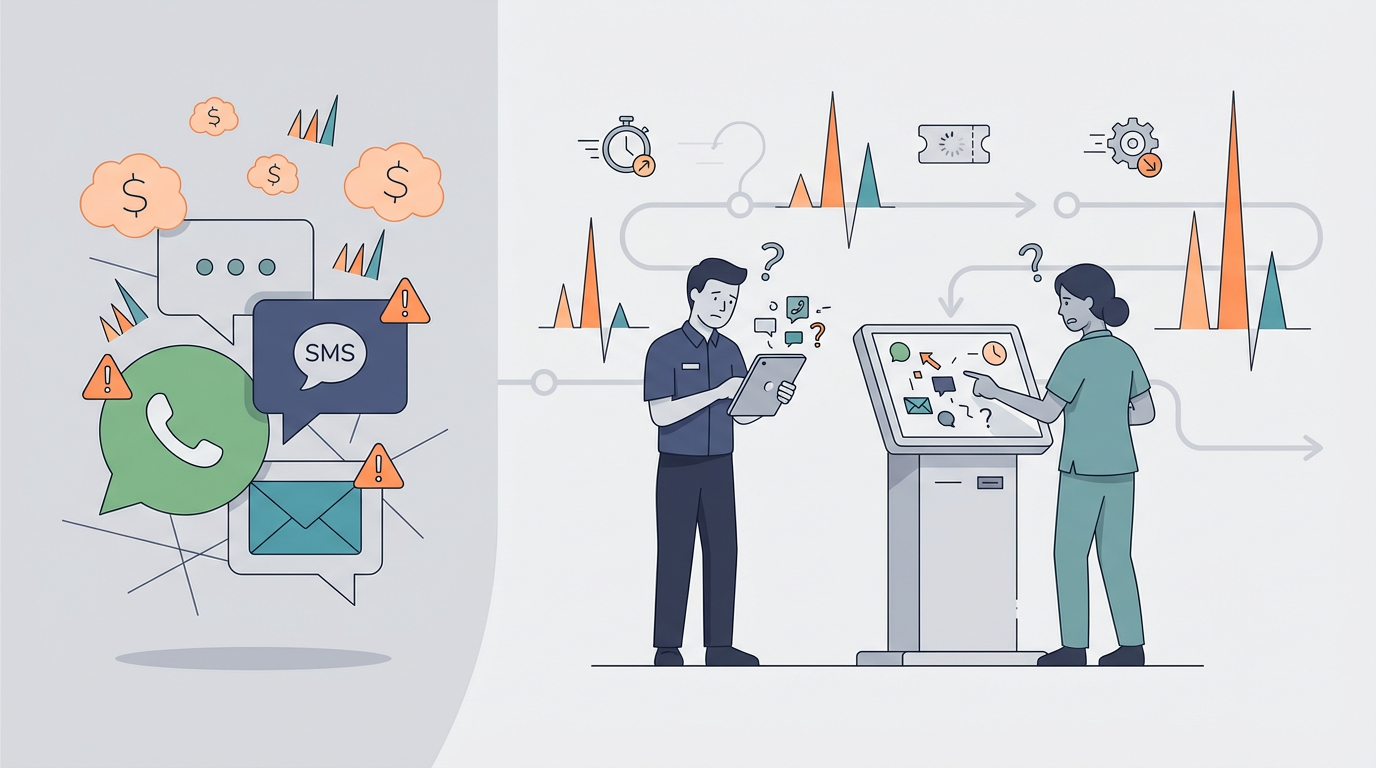
When choosing an alternative, evaluate across these dimensions. For mobile-first staff, weigh channel flexibility and device-specific considerations.
Use this during vendor evaluation:
Authgear scores highly on channel flexibility and mobile UX by design, with documented patterns and SDKs tailored for phone-first staff workflows.
WhatsApp delivers excellent deliverability and user familiarity compared to SMS in many regions - especially where SMS is heavily filtered or less trusted. That's why it's increasingly important for mobile authentication.
Authgear supports WhatsApp OTP via direct integration with Meta's WhatsApp Business API. Users can either use Authgear's shared sender for quick setup, or configure their own WhatsApp Business Account for branded messaging. Setting up your own account requires business verification and template approvals through Meta.
Pros:
Cons:
Design OTP delivery to be resilient:
Why WhatsApp matters for mobile-first staff: Many workers use WhatsApp daily on personal devices. Using WhatsApp as the OTP channel reduces friction, increases deliverability, and leverages a communication channel they're already comfortable with - critical for smooth authentication experiences.
Authgear supports SMS and WhatsApp OTP with automated fallback orchestration to reduce engineering overhead.
Mobile authentication commonly needs both security and speed. Device biometrics (Touch ID / Face ID), passkeys (FIDO2/WebAuthn), and server-managed verification each have a role.
Pros:
Cons:
Pros:
Cons:
Best practice: use WhatsApp OTP for initial enrollment and backup, then enable biometric/passkey re-auth for quick re-entry. Example flow pattern:
Personal mobile device:
Feature phone / basic device:
Authgear supports these hybrid flows out-of-the-box, making it straightforward to register a device via WhatsApp OTP and enable biometric re-auth for rapid authentication.
Below is a compact vendor comparison focused on WhatsApp OTP and biometric/passkey support. This is a pragmatic table; verify current product docs for up-to-date details.
Authgear
Open-source MFA and SSO platform focused on mobile-first staff authentication. Provides APIs and SDKs for WhatsApp OTP orchestration, passkeys, and device-based biometric flows. Purpose-built for mobile authentication with necessary orchestration and provisioning tooling for scale deployment.
Stytch
Strong in passwordless and modern auth patterns with broad SDK support. Good for digital-first B2C applications. Pricing changes have driven migrations for cost-sensitive enterprise use cases. Strong focus on consumer-grade authentication experiences.
Auth0
Enterprise SSO leader with extensibility and strong ecosystem. Excellent for complex federated SSO needs. Comprehensive mobile SDK support across platforms. WhatsApp integration available through marketplace partners.
MojoAuth
Focuses on passwordless authentication via email/SMS. Simpler developer flows suitable for SMB and B2C use cases. May require third-party partners for WhatsApp integration.
FusionAuth
Self-hosted option offering full control for complex environments. Good for organizations requiring complete infrastructure control. Flexible deployment options support custom authentication flows.
Supabase Auth
Useful for developers looking for an integrated database+auth stack. Growing platform with strong developer community. Less mature on enterprise WhatsApp delivery and mobile-specific features.
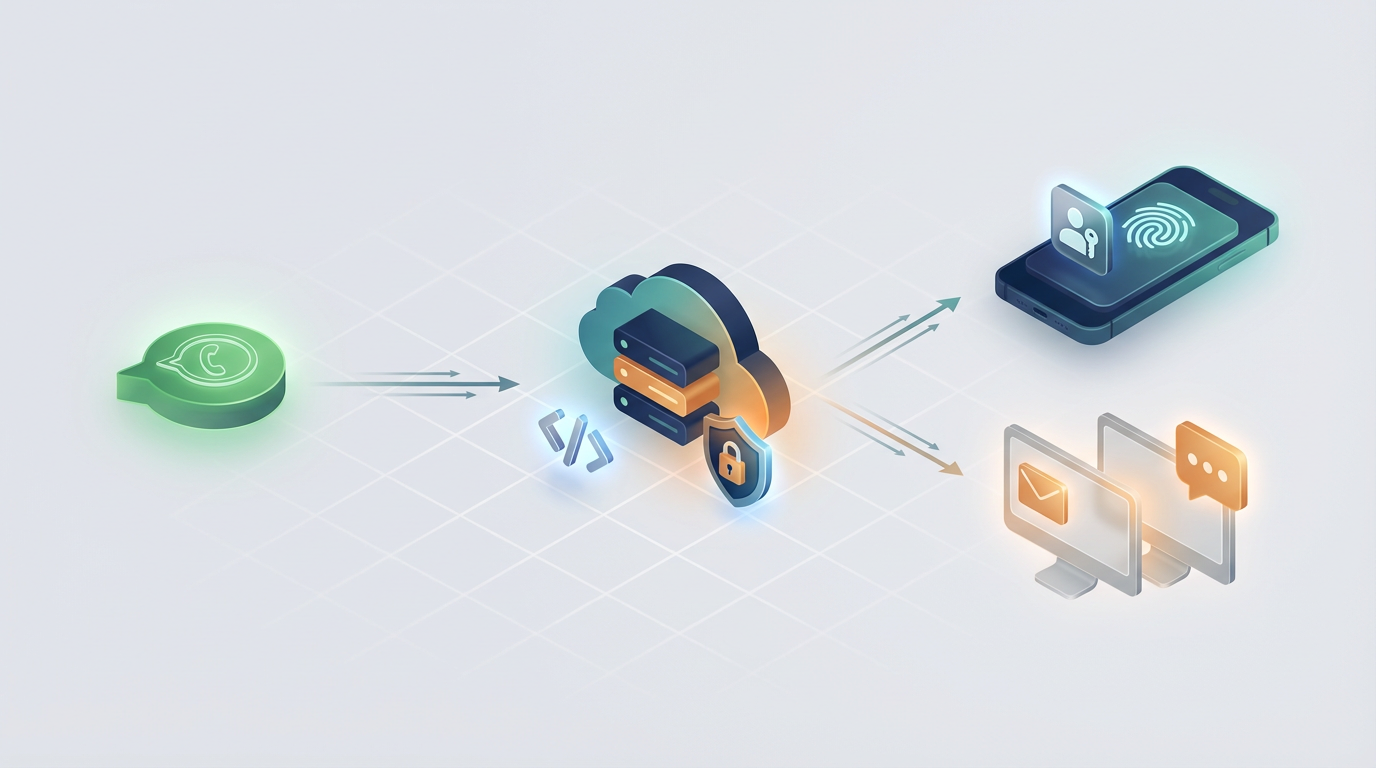
This section provides a concrete implementation blueprint: architecture, sequence, and provisioning guidance.
Step 1: Send OTP via Authgear server The server requests OTP delivery. Authgear handles channel preferences and fallback routing. The system attempts delivery via WhatsApp first, then falls back to SMS if needed.
Step 2: Client verifies OTP code The client application verifies the code entered by the user. Upon successful verification, the system returns a session token and user identifier.
Step 3: Register WebAuthn / passkey For mobile applications, the client requests WebAuthn registration options from Authgear, creates credentials using the platform's native biometric API, and completes registration by sending the credential to the server.
Step 4: Re-auth with biometrics After WebAuthn/passkey creation, mobile apps can configure platform biometrics (TouchID/FaceID on iOS, BiometricPrompt on Android) to unlock the locally stored credential or token. Authgear SDK provides helper utilities for token refresh and secure storage.
WhatsApp requires approved templates for OTP messages.
Example template:
WhatsApp message templates are managed through Meta Business Suite. Authgear handles the OTP delivery using your configured templates.
Bulk provisioning: Upload phone lists with employee IDs and pre-approve numbers for verification using Authgear's bulk provisioning tools.
Staged onboarding: Create temporary provisioning codes that staff can redeem via WhatsApp for initial account setup.
Device binding: Associate authenticated devices with user accounts for enhanced security and session management.
Security is essential, especially when staff identities control access to systems and sensitive data.
Key controls:
Best practices:
Important considerations:
Logging and retention:
Authgear ships with logging hooks, webhooks, and audit features to help meet enterprise compliance requirements.
Plan migration in phases to preserve UX and minimize disruptions. Key steps:
Authgear provides a User Import API for bulk user migration and offers migration support for large-scale projects. Request migration consultation for enterprise deployments.
WhatsApp availability is broad but not universal. Some countries restrict WhatsApp Business API usage or require special approvals.
WhatsApp has generally better deliverability and lower spoofing than SMS, but neither is as phishing-resistant as FIDO2/WebAuthn. Use WhatsApp OTP for enrollment and passkeys/biometrics for subsequent authentication to get both deliverability and strong security. Authgear recommends hybrid flows that use WhatsApp for phone proofing and passkeys for ongoing auth.
Passkeys require devices with biometric capabilities (iOS 16+ with Face ID/Touch ID, Android 9+ with BiometricPrompt). Older or budget devices without biometrics can still use WhatsApp OTP or SMS OTP for authentication. Authgear's fallback system ensures all users can authenticate regardless of device capabilities.
Common issues include failed WhatsApp template approvals and device loss (user loses device with passkeys).
Mitigations:
For each FAQ, Authgear provides guidance in docs and direct support for enterprise questions and migration help.
WhatsApp OTP typically costs lower per message than SMS (varies by region), but can reduce overall costs when factoring in higher deliverability rates and reduced support tickets. Calculate your specific use case based on:
Implement a robust fallback chain:
Authgear automates this fallback orchestration out of the box.
Ideal for enterprises that need:
Get started:
Authgear makes it straightforward to set up mobile-first authentication: from WhatsApp OTP enrollment to biometric re-auth. If you're building an enterprise system for phone-first staff, start with a pilot that verifies WhatsApp deliverability in target regions and validates biometric/passkey onboarding flows.
Privacy is important to us, so you have the option of disabling certain types of storage that may not be necessary for the basic functioning of the website. Blocking categories may impact your experience on the website.